













AI Text to Speech

Voice *
No voice available

Speech Synthesis *

0/ 5000
Emotion

Language *

Advanced Settings

How it worksMy Library

How to use AI Text to Speech?

Easily generate natural and fluent speech!

Explore Our AI Voices — Listen Before You Generate

Explore a wide range of natural-sounding AI voices and find the perfect match for your content. Listen to voice previews, compare different tones and styles, and choose your favorite before you generate.
Turn Your Words Into Voice

What Can AI Text to Speech Do?

AI voice generation uses advanced deep learning models to turn text or audio into realistic, natural-sounding speech in seconds.

Online Text to Speech

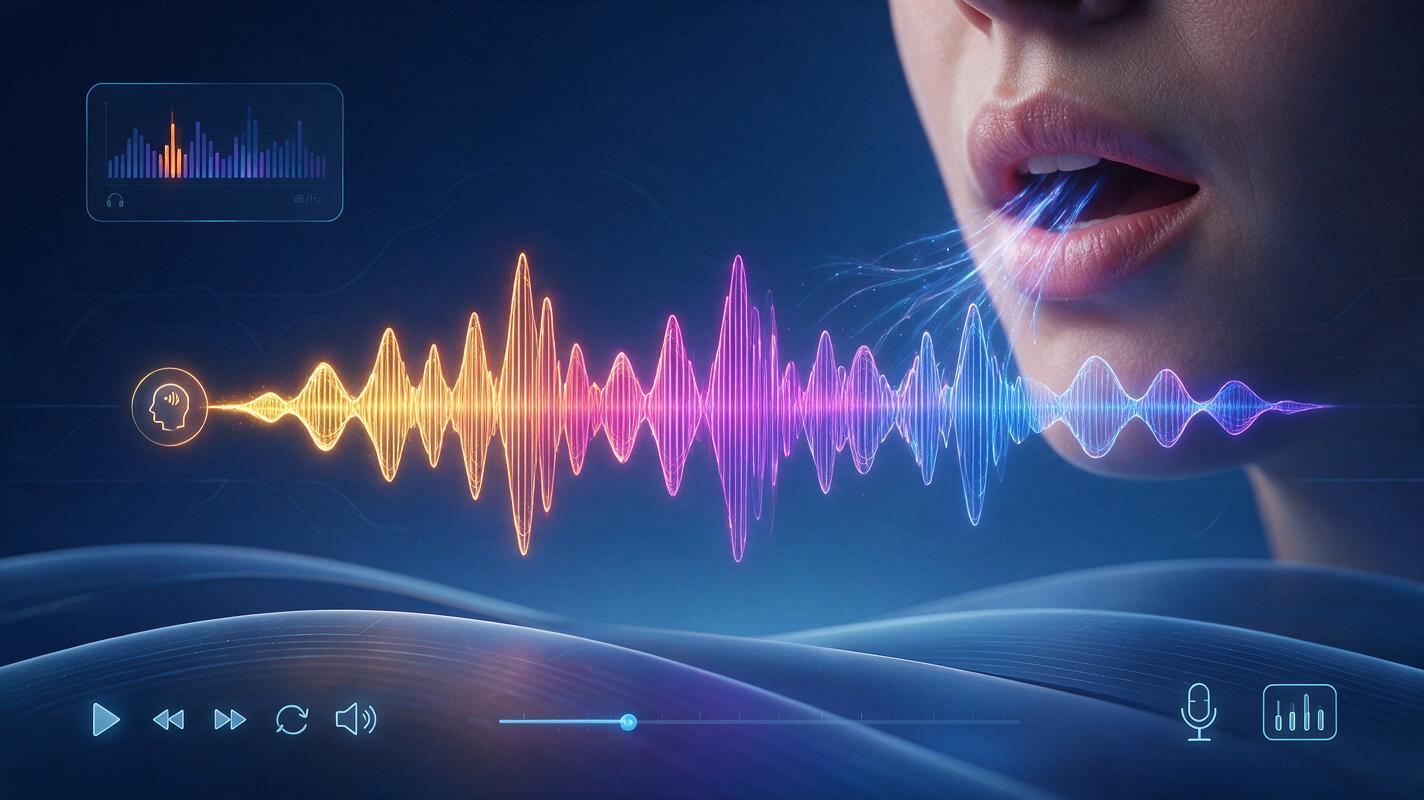
Natural & Expressive Voices

Create natural-sounding AI voices with realistic tone, emotion, and delivery. From warm and friendly to confident and expressive, choose a voice that makes your words feel more human and engaging.
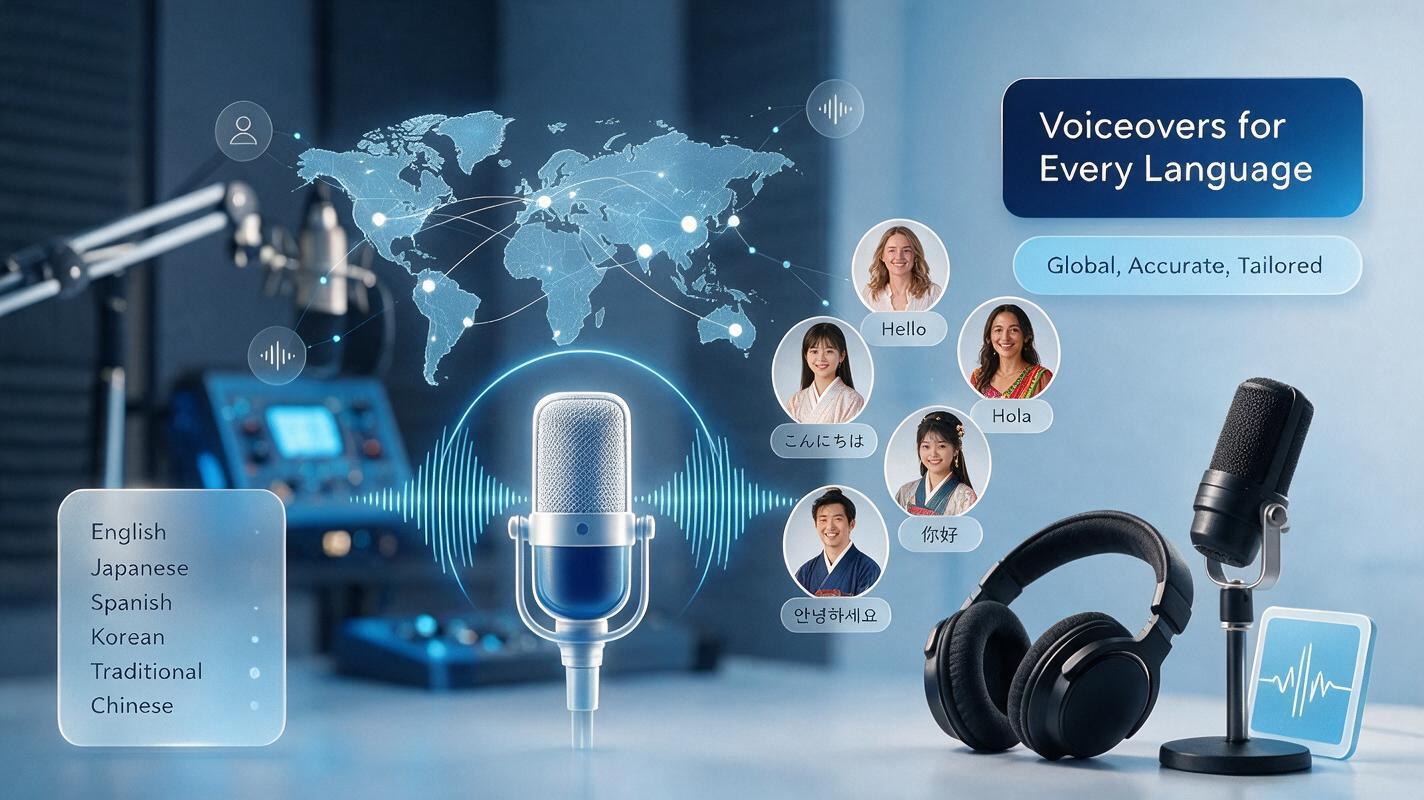
Multiple Languages & Accents

Create realistic Speech in multiple languages and accents to connect with audiences around the world. Choose the language and voice that best match your content, whether you need a familiar regional accent or a voice for multilingual projects.
Voice Style & Control

Customize how your AI voice sounds with control over tone, emotion, speed, and speaking style. Create voices that fits everything from professional narration to engaging social content.
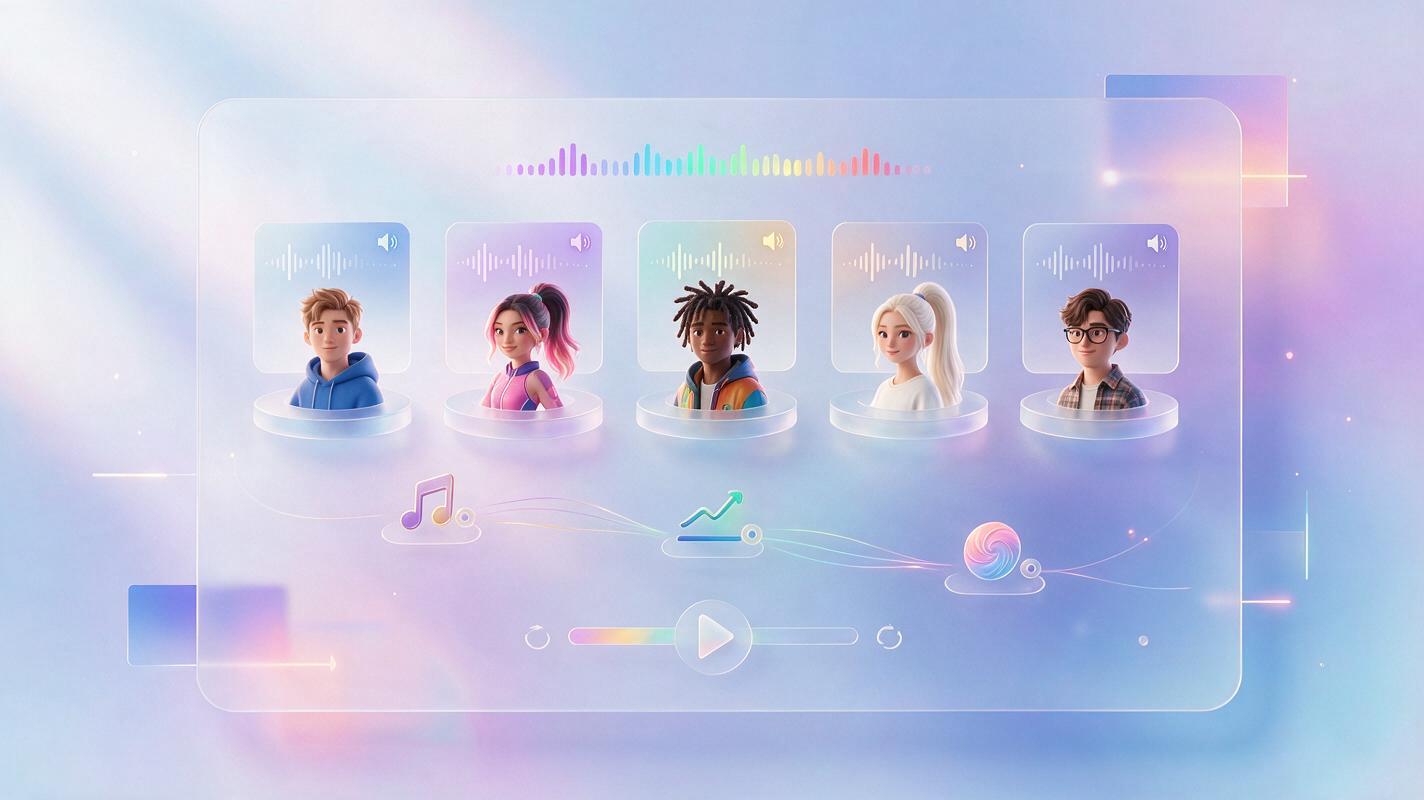
Character Voices

Bring stories and creative ideas to life with expressive character voices. Choose voices that fit different personalities, moods, and roles—from playful characters and storytellers to dramatic voices for immersive content.
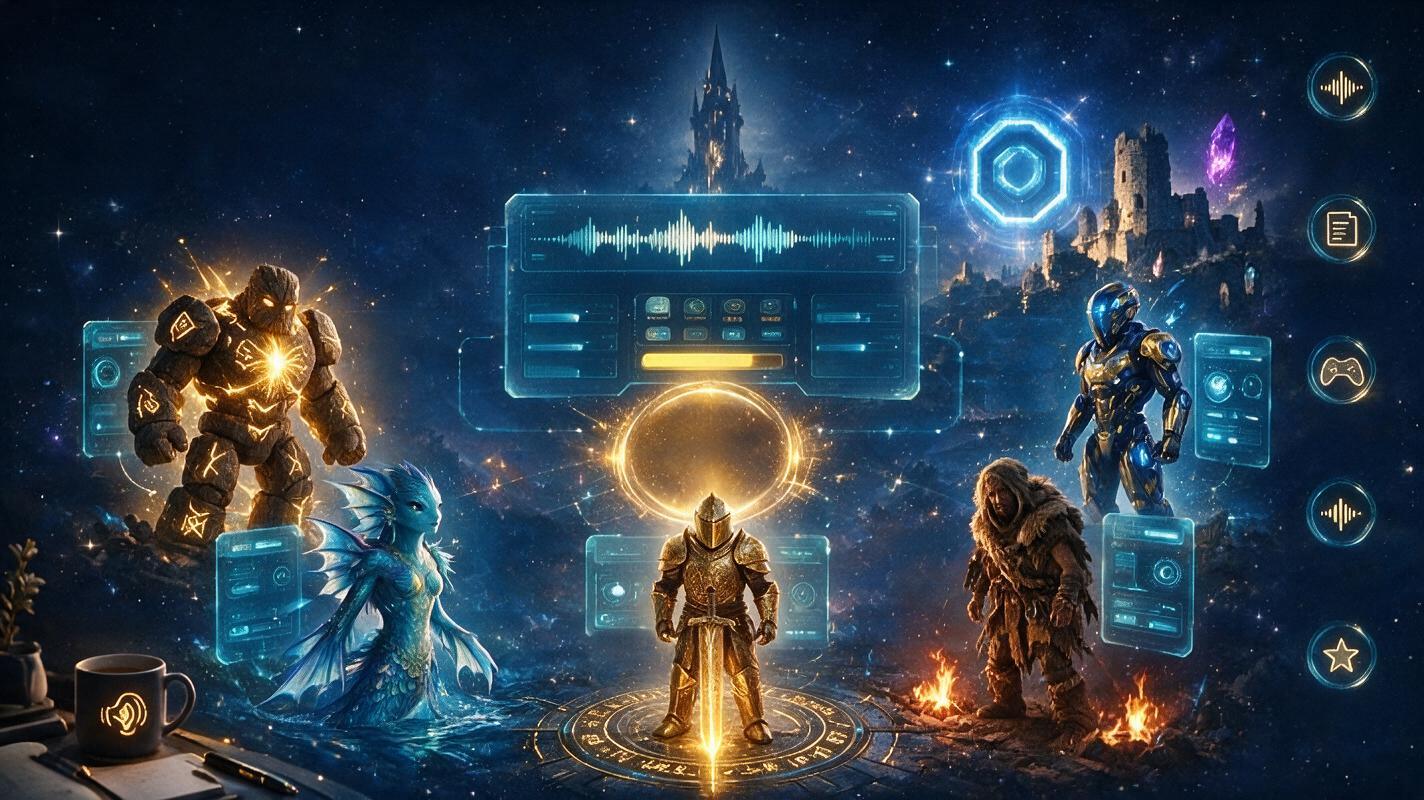
What Can You Create with Vidverse TTS?

Enhance your content with realistic, expressive AI voices. Vidverse TTS can be used for videos, podcasts, audiobooks, and a wide range of creative workflows, helping you turn written content into natural-sounding voiceovers.
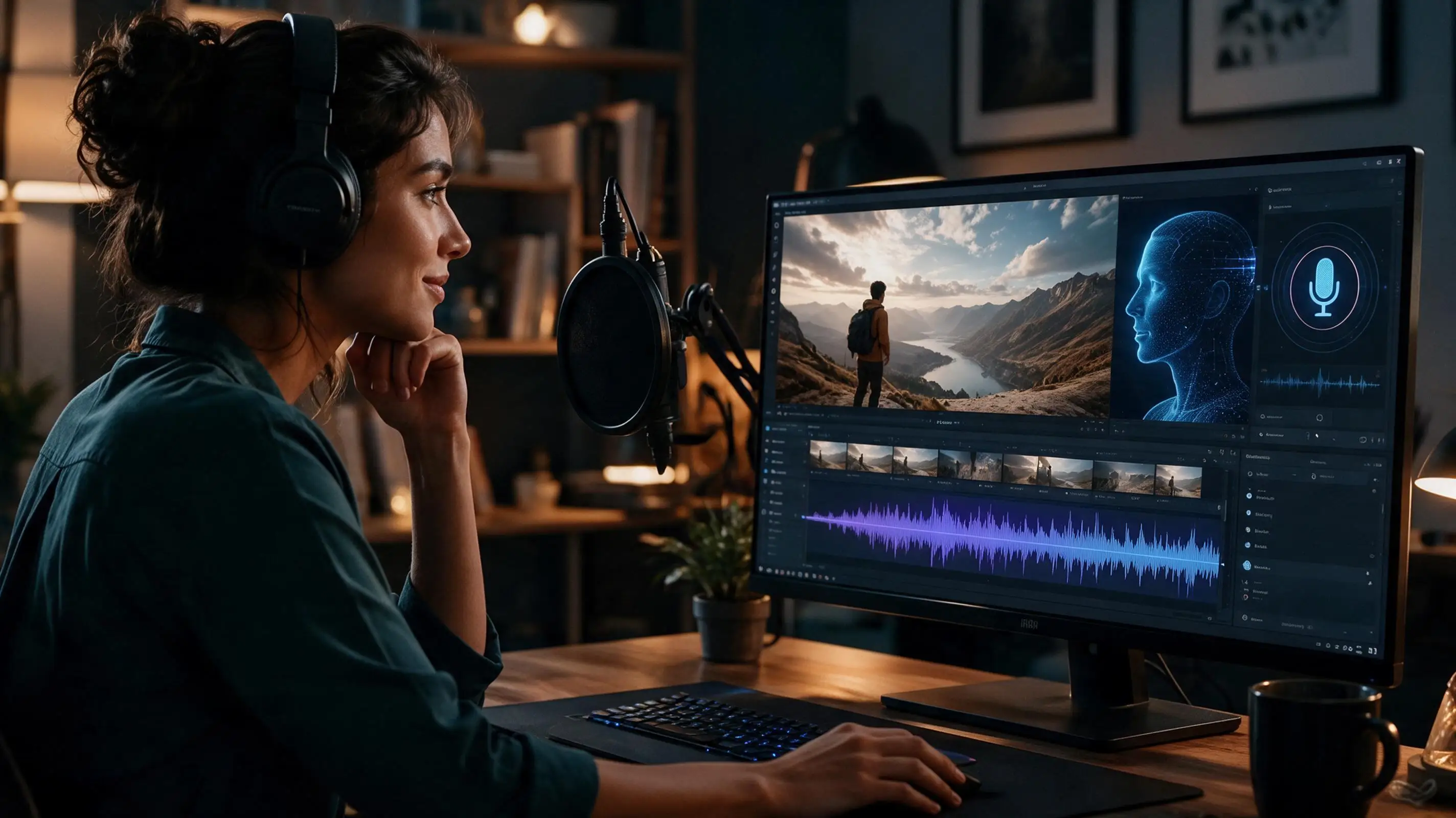
🎬 YouTube & Video Narration

🎬 YouTube & Video Narration

Turn scripts into natural narration for videos and documentaries.
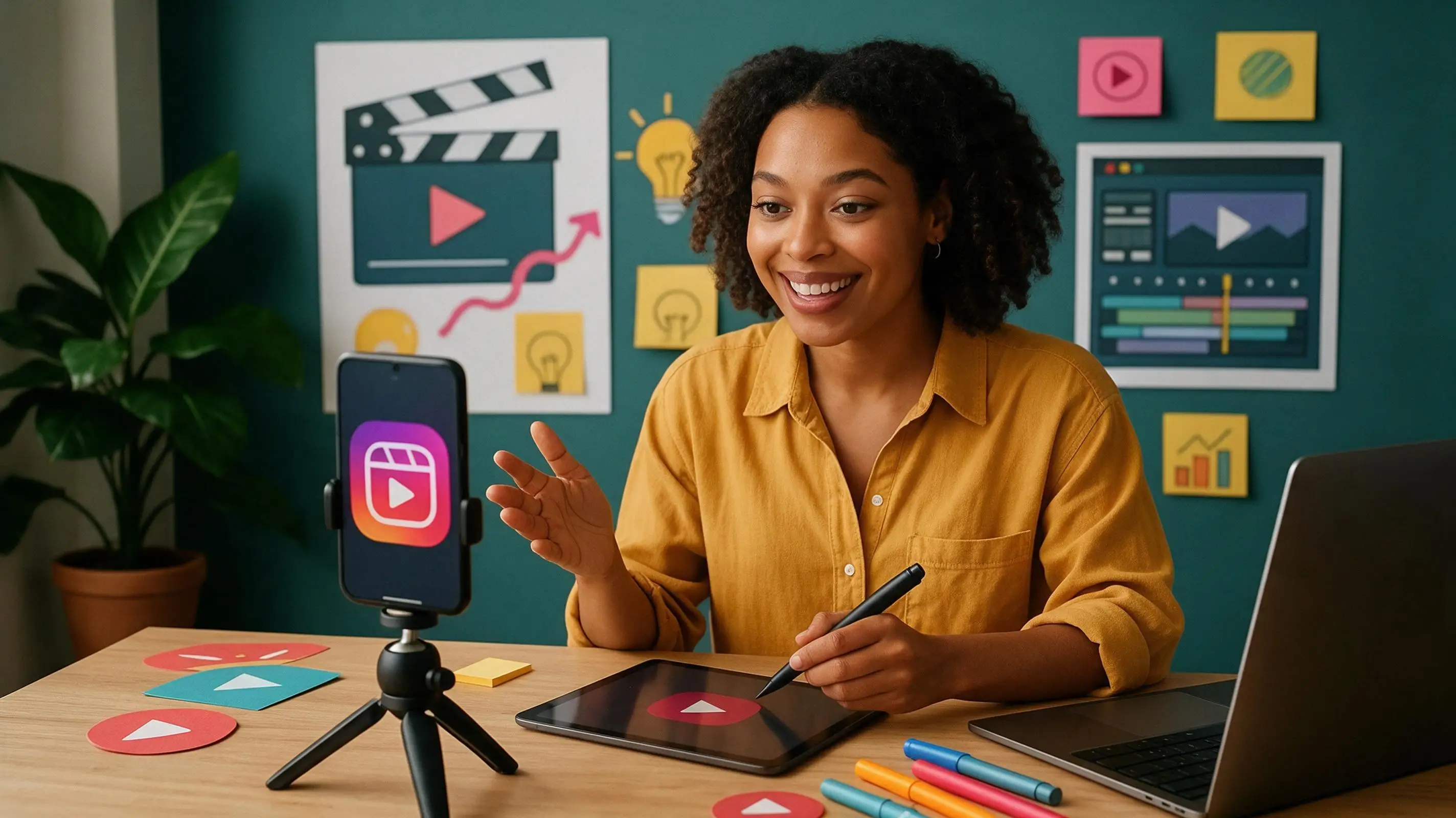
📱 Social Media

📱 Social Media

Create engaging voiceovers for TikTok, Reels, and Shorts.
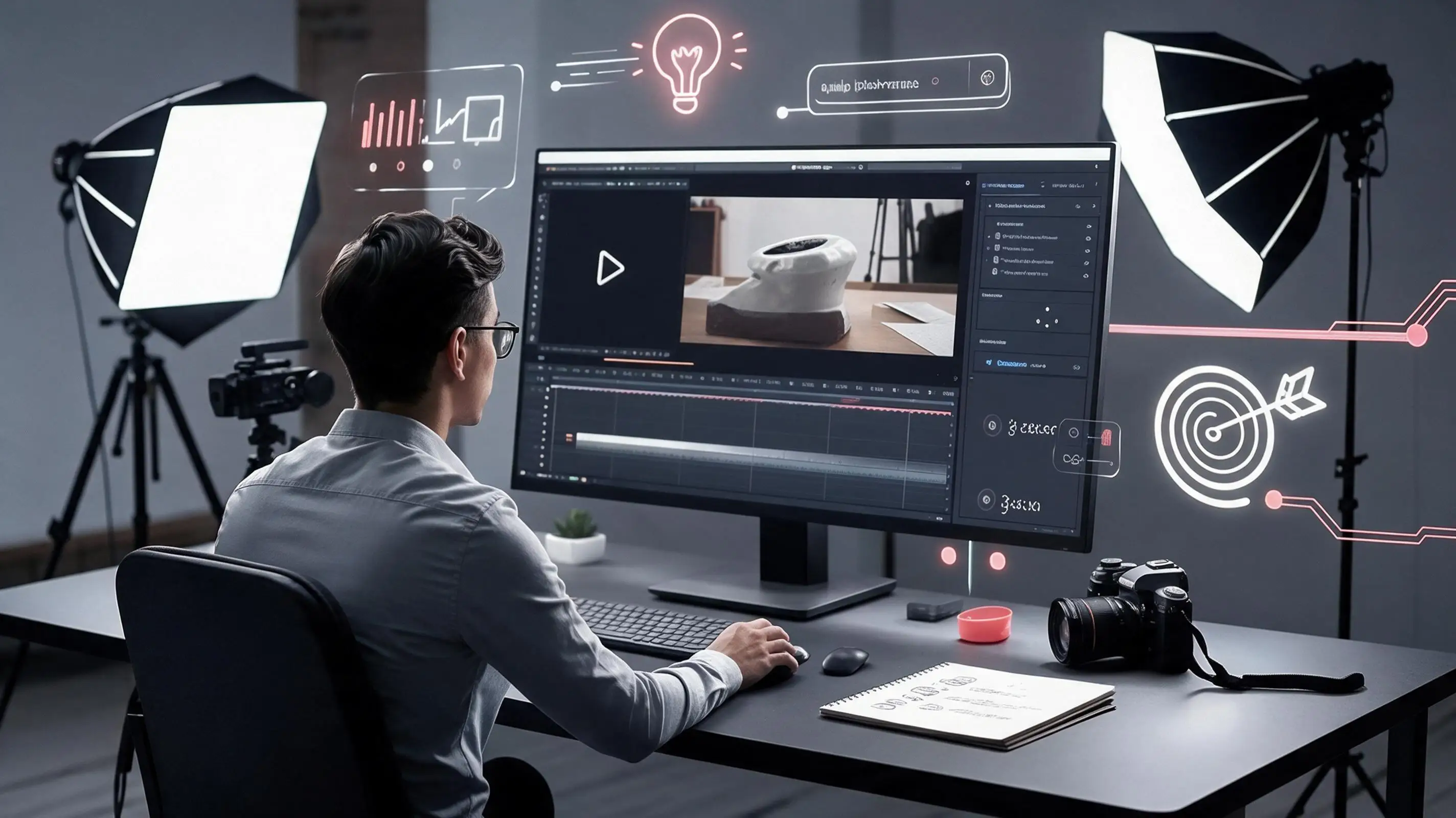
📢 Ads & Marketing

📢 Ads & Marketing

Turn promotional scripts into polished advertising voiceovers.
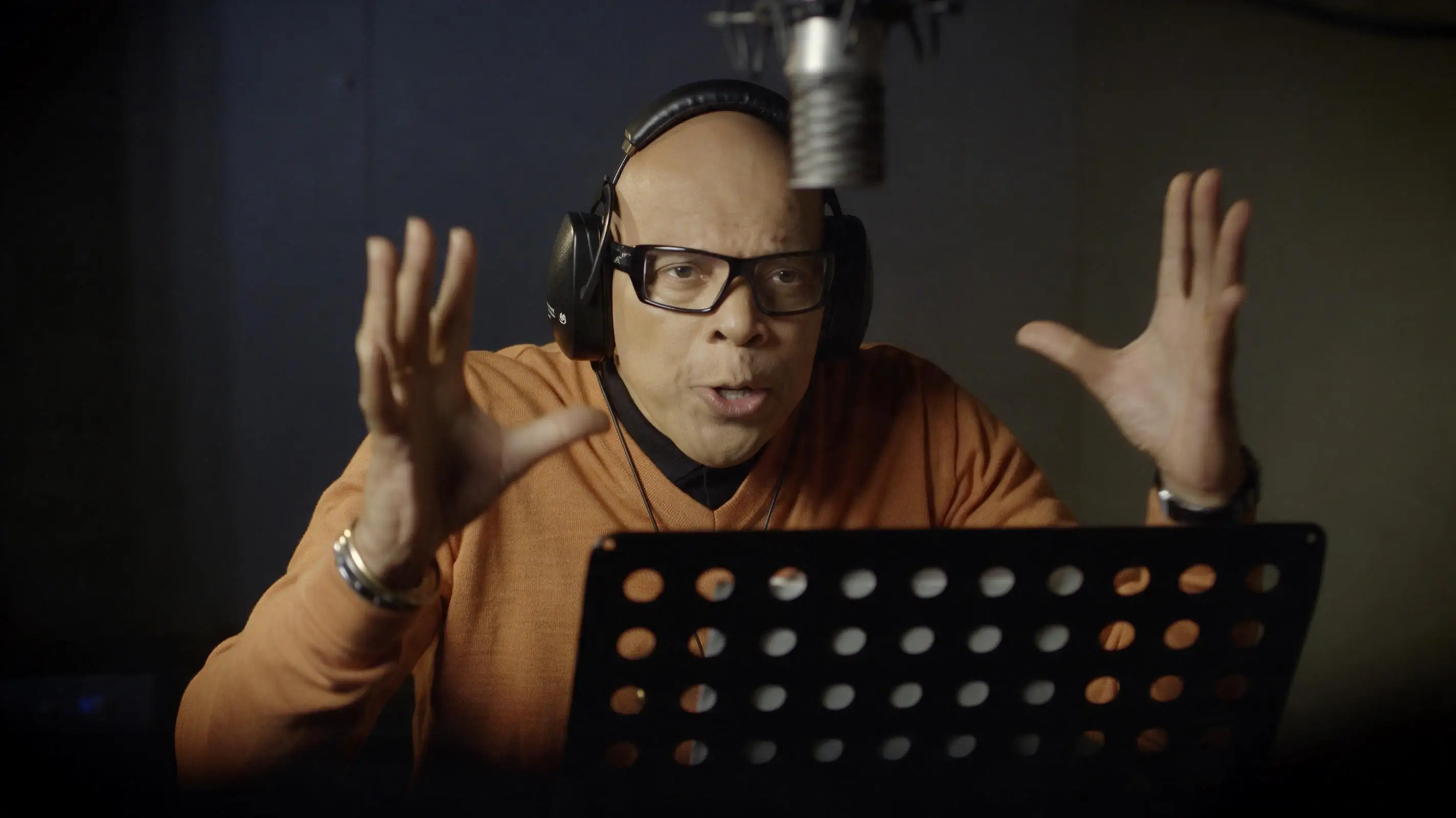
🎧 Podcasts

🎧 Podcasts

Generate narration, intros, transitions, and character voices.
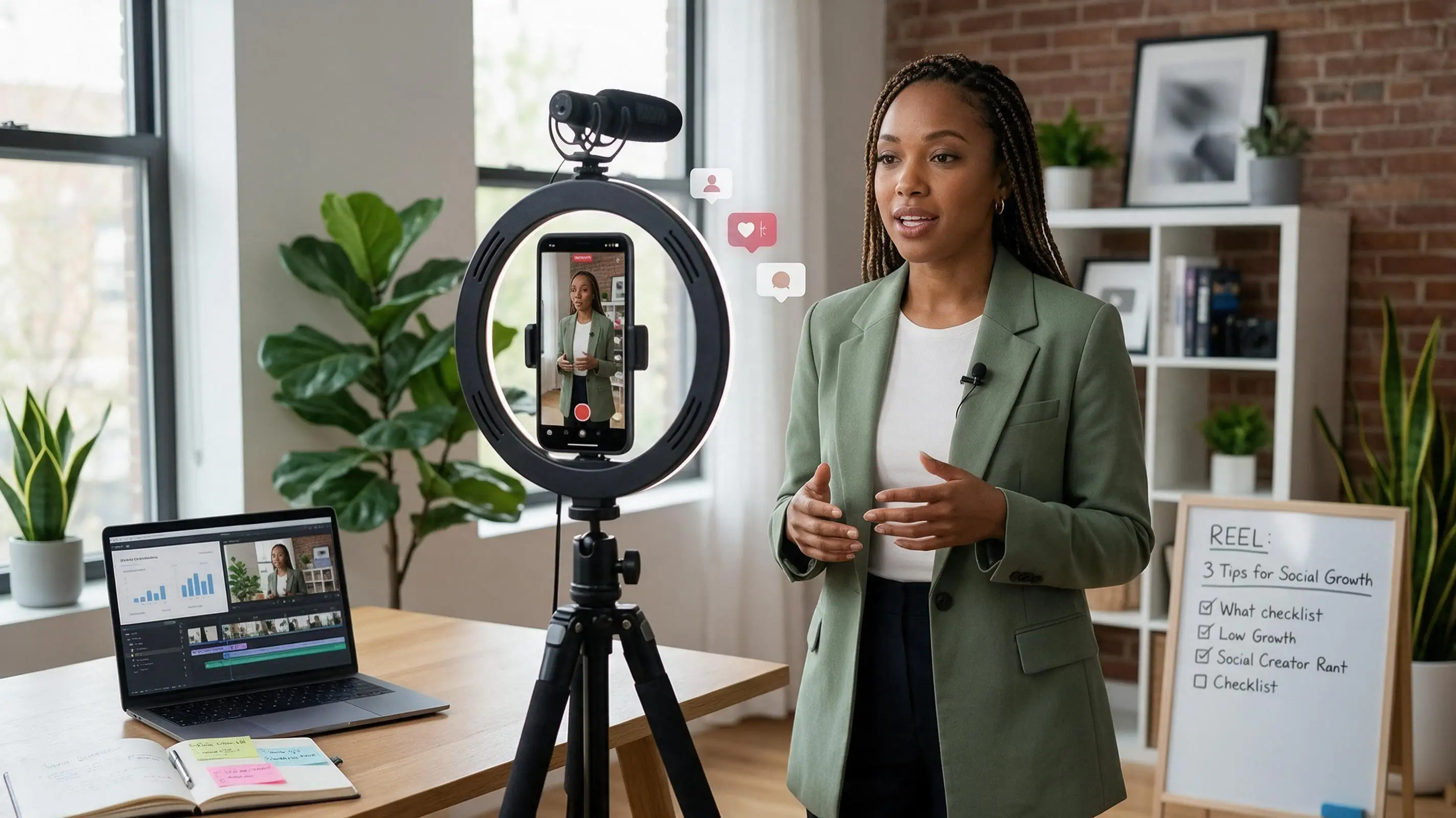
📚 E-learning

📚 E-learning

Turn lessons and educational scripts into voice narration.
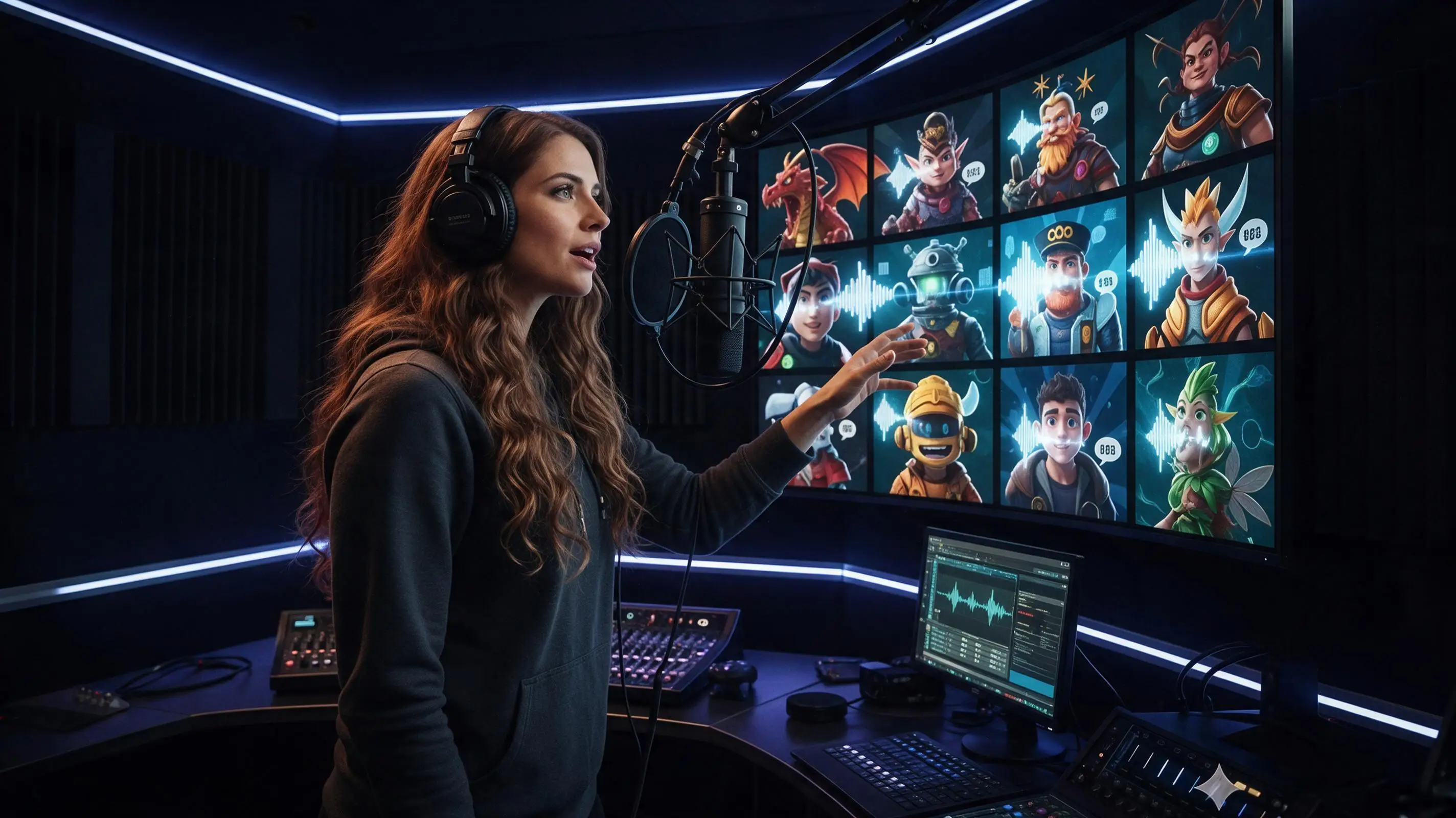
🎮 Games & Characters

🎮 Games & Characters

Create expressive dialogue for characters, games, and stories.

How to Convert Your Text to Voice Step-by-Step

Enter Your Text

1

Enter Your Text

Paste your script or type what you want the AI to say.
Choose a Voice
2

Choose a Voice

Select a voice, language, accent, and speaking style.
Generate & Preview
3

Generate & Preview

Create your AI voice and listen to the result instantly.

FAQ

What Is AI Text to Speech?

AI Text-to-Speech (TTS) is a technology that uses artificial intelligence to convert written text into natural-sounding spoken audio. It can generate voices with different tones, speaking styles, emotions, and pacing, making it useful for video voiceovers, podcasts, audiobooks, e-learning, accessibility, and other content.

How Does AI Text to Speech Work?

Vidverse AI Text-to-Speech converts written text into realistic AI voiceovers using AI voice generation technology. You can enter your script, choose an AI voice, and customize the tone, emotion, and speaking pace before generating the audio.

Is the AI Voice Generator Free?

Yes. Vidverse AI offers a free AI voice and audio generator, allowing users to create realistic AI voices and voiceovers from text. New users can also receive free credits after signing in, so you can try its AI voice features without paying upfront.
For longer or higher-volume voice generation, paid plans may be available depending on your usage and account.

Can I Convert Text to Speech Online?

Yes. Vidverse AI lets you convert text to realistic AI speech directly online without installing specialized audio software. Simply enter your text, choose an AI voice, customize the tone, emotion, and pacing, and generate a natural-sounding voiceover.

Can AI Voices Sound Like Real People?

Yes. Modern AI voices can sound remarkably similar to real human speech, with natural intonation, emotion, pauses, pronunciation, and speaking rhythm. Tools like Vidverse AI are designed to create realistic voiceovers from text, with controls for tone, emotion, and pacing to make the generated speech sound more natural.However, the quality depends on the AI voice model, the language, and the input text, so some generated voices may still sound slightly artificial in certain situations.

Can I Use AI-Generated Voices for YouTube Videos?

Yes. You can use AI-generated voices for YouTube videos, including narration, tutorials, explainer videos, Shorts, and other content. Using an AI voice by itself does not prevent a video from being monetized, but YouTube requires content to be original and not mass-produced or repetitive.

Can I Adjust The Voice's Speed And Tone?

Yes. Vidverse AI Text-to-Speech lets you customize the voice’s tone, emotion, and speaking pace before generating your audio. This makes it easier to create voices that match different content styles, such as energetic social media videos, professional presentations, or calm audiobook narration.

What Languages And Accents Are Supported?

Vidverse AI supports multilingual AI voice generation, allowing you to create natural-sounding voiceovers for different types of content. Available voices and language or accent options may vary depending on the selected voice, region, and account, so it’s best to check the available voice options directly in the Text-to-Speech tool.

Online Text to Speech

Turn written text into natural-sounding spoken audio in seconds.

Generate AI Voice Free
Blogs